
Microsoft Power BI Data Analyst
Learn to prepare, model and visualize data with Excel and Power BI. Clean data with Power Query, write DAX calculations and manage secure Power BI workspaces.
What you'll learn
- Learn to use Power BI to connect to data sources and transform them into meaningful insights.
- Prepare Excel data for analysis in Power BI using the most common formulas and functions in a worksheet.
- Learn to use the visualization and report capabilities of Power BI to create compelling reports and dashboards.
- Demonstrate your new skills with a capstone project and prepare for the industry-recognized Microsoft PL-300 Certification exam.
Skills you'll practice
- Data-Driven Decision-Making
- Data Validation
- Data Storytelling
- Dashboard
- Data Presentation
- Excel Formulas
- Power BI
- Data Analysis Expressions (DAX)
- Data Storage
- Data Transformation
- Microsoft Excel
- Microsoft Copilot
Course by course.
Finish all 8 courses to earn your certificate, in order and at your own pace. At 10 hours a week, they take about 9 weeks. Open a course to see what it covers.
- 1
Preparing Data for Analysis with Microsoft Excel 19 hours
Learn to use Excel for data analysis in business scenarios, and apply formulas and functions to prepare your data. - 2
Harnessing the Power of Data with Power BI 7 hours
Explore how organizations gather data and the steps that turn it into data-driven decisions. Learn the key parts of Power BI and what a Power BI data analyst does. - 3
Extract, Transform and Load Data in Power BI 4 hours
You will identify how to collect data from and configure multiple sources in Power BI and prepare and clean data using Power Query. - 4
Data Modeling in Power BI 4 hours
You'll explore the basics of DAX, Power BI's expression language, and add calculations to your model to create elements and analysis in Power BI. - 5
Data Analysis and Visualization with Power BI 29 hours
You will learn how to use report navigation to tell a compelling, data-driven story in Power BI. - 6
Creative Designing in Power BI 10 hours
You will learn how to create cohesive business intelligence reports and dashboards, as well as what common problems to avoid. - 7
Deploy and Maintain Power BI Assets and Capstone project 7 hours
Through hands-on exercises, you’ll explore the process of creating, implementing, and managing Power BI workspaces. You’ll also implement security and monitoring to protect data in organizations. - 8
Microsoft PL-300 Exam Preparation and Practice 7 hours
Review the key areas of the Microsoft PL-300 exam, such as preparing, modeling, visualizing and analyzing data, and deploying and maintaining Power BI assets.
Your certificates
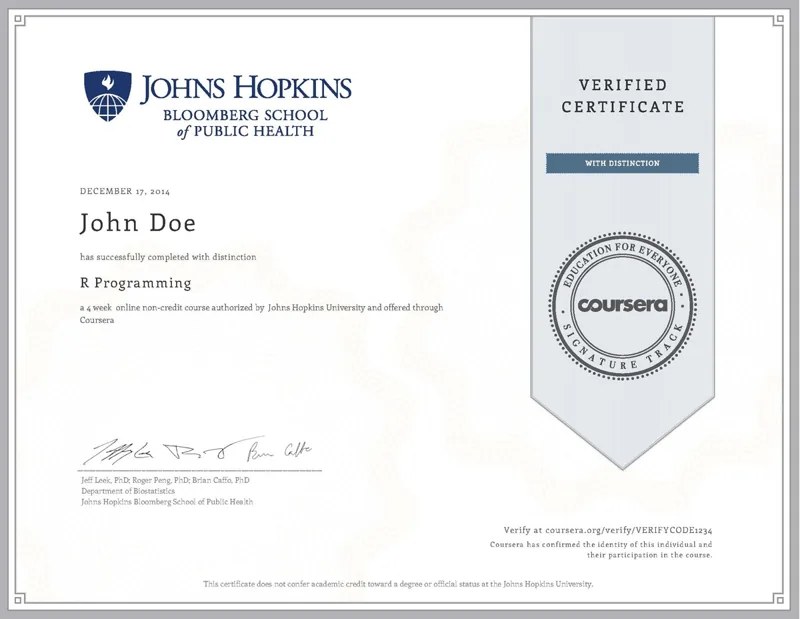
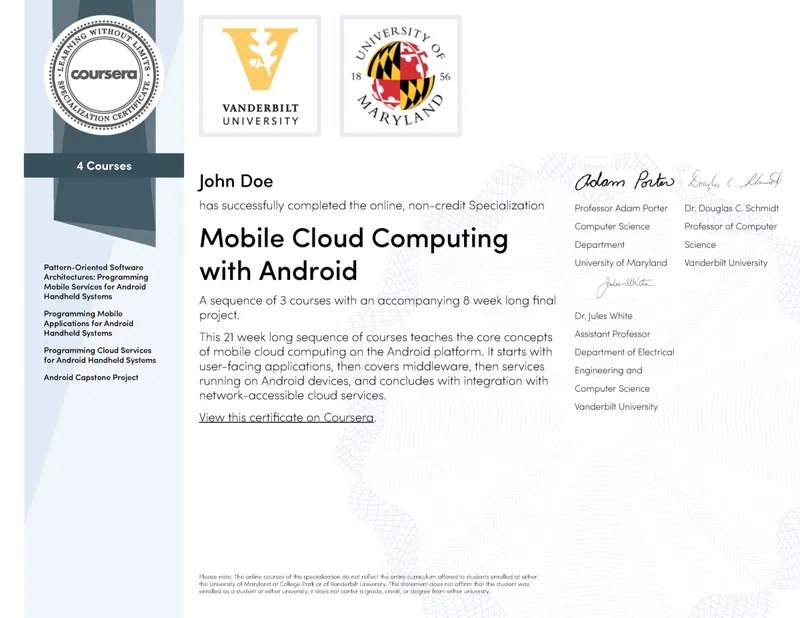
Sample certificates from our top providers. Yours shows your name, your course or program, and the partner that created it.
How it works
- Enroll and payPay once on the secure payment page, by debit or credit card (Visa or Mastercard).
- Activate your accessAccept the email invitation and start learning on Coursera. Your 6 months start then.
- Learn at your own paceVideos, readings and quizzes, on your phone or computer.
- Earn your certificatesOne for each course you finish, then the program certificate at the end. They are yours to keep.
Questions before you enroll
What happens when my 6 months end?
You keep your dashboard, your progress and every certificate you earned. Only your access to that program ends. To continue, renew access for another 6 months for $250.
Do I need experience to start?
No. This program starts from the basics, so no experience in the field is needed.
What language is it taught in?
English. Some programs also offer other languages you can choose from. Talk to our team to check the languages for this program.
Can I add the certificate to my CV?
Yes. Add it to your CV and share it on your LinkedIn profile.
Can I get a refund?
Yes, within 14 days of paying, if you have not activated your access yet. Read the refund policy.
Is the exam fee included?
No. The $250 covers the program, which prepares you for the Microsoft PL-300 exam. To take the exam, book it with the organization that runs it and pay its fee to them.


Ready to start?
Enroll today, then begin whenever it suits you.