Microsoft Cybersecurity Analyst
Learn to protect computers, networks and cloud data from cyber threats. Use Azure security tools and Microsoft Defender, manage identity and access, and practice security testing.
What you'll learn
- Understand the cybersecurity landscape and learn core concepts foundational to security, compliance, and identity solutions.
- Understand the vulnerabilities of an organizations network and mitigate attacks on network infrastructures to protect data.
- Develop and implement threat mitigation strategies by applying effective cybersecurity measures within an Azure environment.
- Demonstrate your new skills with a capstone project and prepare for the industry-recognized Microsoft SC-900 Certification exam.
Skills you'll practice
- Data Management
- Cybersecurity
- Network Security
- Threat Management
- Cyber Attacks
- Active Directory
- Authentications
- Security Testing
- Cloud Computing
- Penetration Testing
- Business Software
- Vulnerability Scanning
Course by course.
Finish all 9 courses to earn your certificate, in order and at your own pace. At 10 hours a week, they take about 3 months. Open a course to see what it covers.
- 1
Introduction to Computers and Operating Systems and Security 4 hours
Learn the main parts of a computer system and how they work with an operating system. Explore the basics of cybersecurity and common business computing environments. - 2
Introduction to Networking and Cloud Computing 2 hours
Set up network infrastructure, monitoring and security, and build a cloud environment with virtual machines. Plan how a business can expand into the cloud. - 3
Cybersecurity Threat Vectors and Mitigation 10 hours
Explore common threat vectors, attack types and ways to mitigate them. Compare encryption algorithms and learn security and compliance basics such as risk assessment. - 4
Cybersecurity Identity and Access Solutions using Azure AD 23 hours
In this course, you’ll explore the world of authorization and authentication, and understand the concepts of two-step authentication and single sign-on policies. - 5
Cybersecurity Solutions and Microsoft Defender 23 hours
In this course, you’ll learn about the types of cloud security policies that protect against DDoS Attacks, Firewall Breaches, and Unauthorized Access. - 6
Cybersecurity Tools and Technologies 3 hours
This course engages you in the world of cybersecurity attack and defense, dealing with both sides and working with the tools associated with security testing within a cloud environment. - 7
Cybersecurity Management and Compliance 20 hours
In this course, you’ll learn about data and record management, Information security, standards and policy formation, and implementation. - 8
Advanced Cybersecurity Concepts and Capstone Project 9 hours
In this course, you’ll learn about threat mitigation by following the three stages of threat modeling. - 9
Microsoft SC-900 Exam Preparation and Practice 26 hours
Practice exam techniques and review all the key areas assessed in Exam SC-900, the Microsoft Security Compliance and Identity Fundamentals exam.
Your certificates
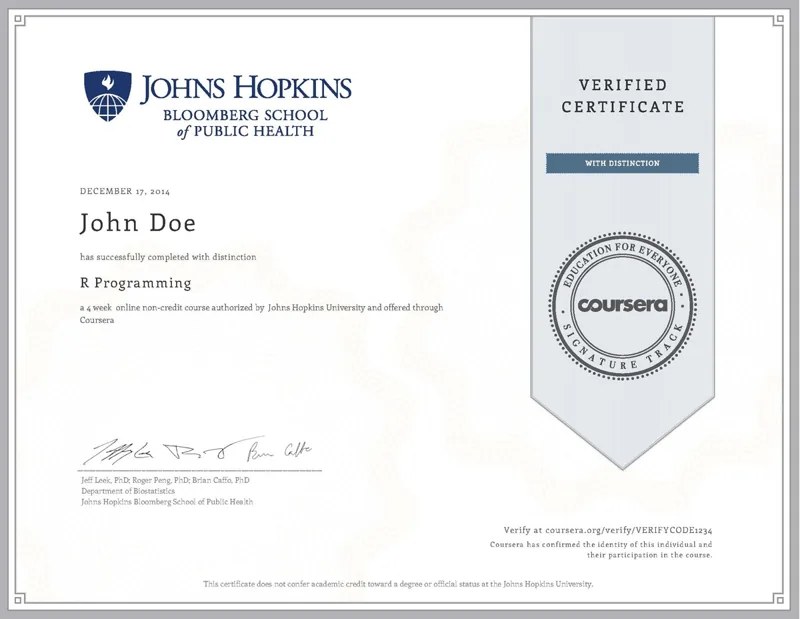
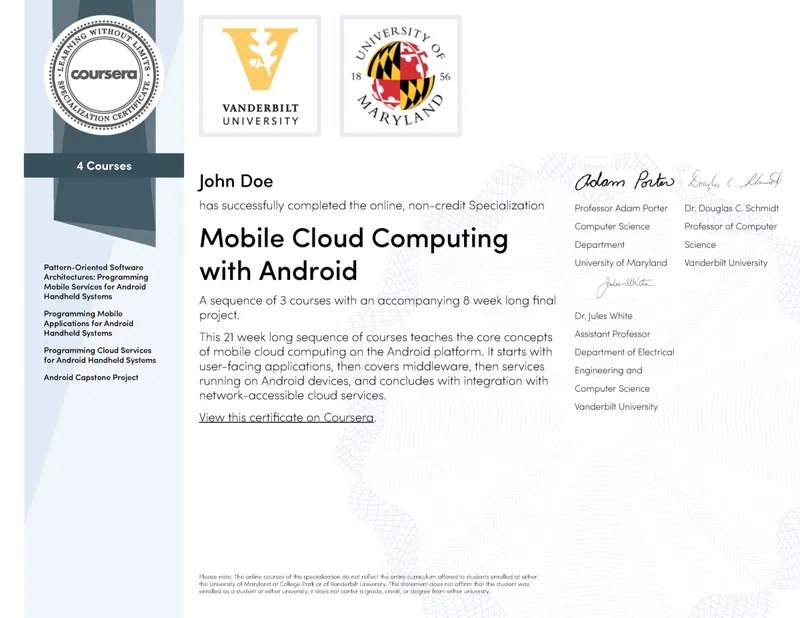
Sample certificates from our top providers. Yours shows your name, your course or program, and the partner that created it.
How it works
- Enroll and payPay once on the secure payment page, by debit or credit card (Visa or Mastercard).
- Activate your accessAccept the email invitation and start learning on Coursera. Your 6 months start then.
- Learn at your own paceVideos, readings and quizzes, on your phone or computer.
- Earn your certificatesOne for each course you finish, then the program certificate at the end. They are yours to keep.
Questions before you enroll
What happens when my 6 months end?
You keep your dashboard, your progress and every certificate you earned. Only your access to that program ends. To continue, renew access for another 6 months for $250.
Do I need experience to start?
No. This program starts from the basics, so no experience in the field is needed.
What language is it taught in?
English. Some programs also offer other languages you can choose from. Talk to our team to check the languages for this program.
Can I add the certificate to my CV?
Yes. Add it to your CV and share it on your LinkedIn profile.
Can I get a refund?
Yes, within 14 days of paying, if you have not activated your access yet. Read the refund policy.
Is the exam fee included?
No. The $250 covers the program, which prepares you for the Microsoft SC-900 exam. To take the exam, book it with the organization that runs it and pay its fee to them.


Ready to start?
Enroll today, then begin whenever it suits you.