
Microsoft 365 with Generative AI
Learn to use Microsoft 365 Copilot in Word, Excel, PowerPoint, Outlook and Teams. Write effective prompts and use generative AI in your everyday work.

What you'll learn
- Automate routine tasks and build AI-powered workflows that leave more time for key priorities.
- Analyze data with AI-driven insights in Microsoft 365 apps to support better decisions.
- Improve collaboration and communication with Copilot in Outlook and Teams.
- Draft and refine documents and slides with Copilot in Word and PowerPoint.
Skills you'll practice
- Presentations
- Collaborative Software
- Prompt Engineering
- Data Ethics
- Meeting Facilitation
- Microsoft PowerPoint
- Proposal Development
- Multimedia
- Microsoft 365
- Microsoft Word
- Microsoft Teams
- Microsoft Outlook
Course by course.
Finish all 4 courses to earn your certificate, in order and at your own pace. At 10 hours a week, they take about 8 weeks. Open a course to see what it covers.
- 1
Fundamentals of Microsoft 365 Generative AI 20 hours
Write effective prompts for Microsoft 365 Copilot. Use it to find relevant information, analyze data, generate content and simplify everyday tasks. - 2
Data Analysis and Visualization with Generative AI in Excel 20 hours
Learn to manipulate and analyze data with Copilot in Excel. Generate insights, create visualizations and summarize information with AI. - 3
Generative AI for PowerPoint and Word to Optimize Content Creation 20 hours
Use Copilot in Word and PowerPoint to draft text, slides and structured content. Refine what it creates for clarity and flow, and automate routine tasks. - 4
Generative AI for Advanced Collaboration in Teams and Outlook 20 hours
Practice using Copilot in Outlook and Teams to manage email, coordinate meetings and analyze conversations as part of your daily work.
Your certificates
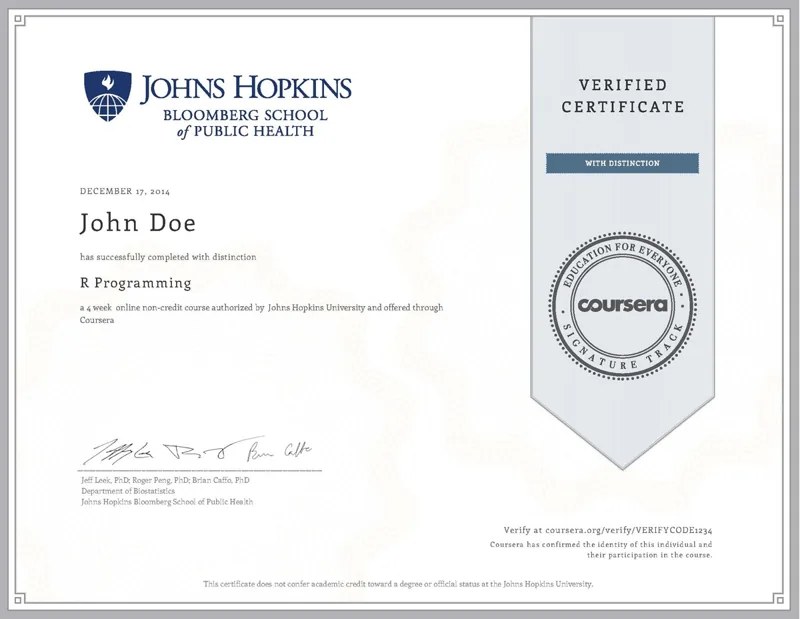
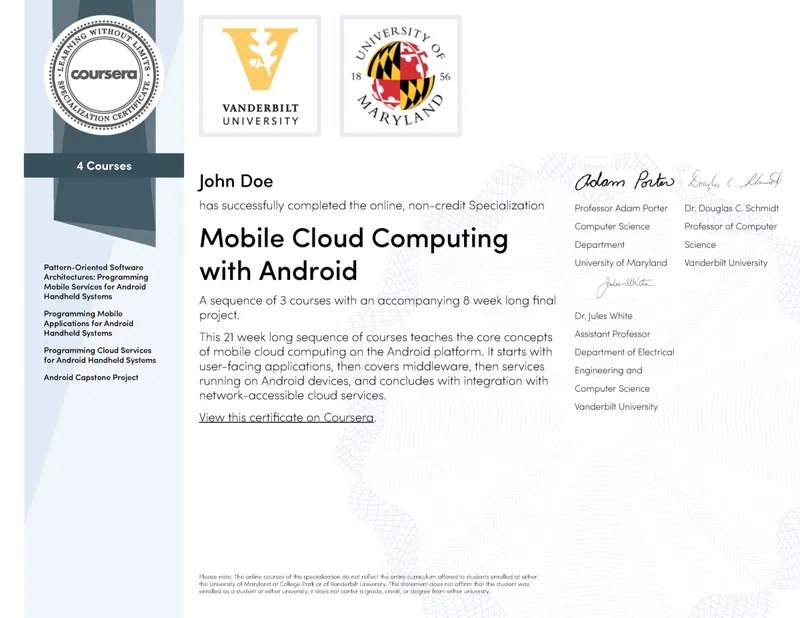
Sample certificates from our top providers. Yours shows your name, your course or program, and the partner that created it.
How it works
- Enroll and payPay once on the secure payment page, by debit or credit card (Visa or Mastercard).
- Activate your accessAccept the email invitation and start learning on Coursera. Your 6 months start then.
- Learn at your own paceVideos, readings and quizzes, on your phone or computer.
- Earn your certificatesOne for each course you finish, then the program certificate at the end. They are yours to keep.
Questions before you enroll
What happens when my 6 months end?
You keep your dashboard, your progress and every certificate you earned. Only your access to that program ends. To continue, renew access for another 6 months for $250.
Do I need experience to start?
No. This program starts from the basics, so no experience in the field is needed.
What language is it taught in?
English. Some programs also offer other languages you can choose from. Talk to our team to check the languages for this program.
Can I add the certificate to my CV?
Yes. Add it to your CV and share it on your LinkedIn profile.
Can I get a refund?
Yes, within 14 days of paying, if you have not activated your access yet. Read the refund policy.
Do I need any paid software?
You need access to Microsoft 365 with Copilot turned on. It is not included in the price.



Ready to start?
Enroll today, then begin whenever it suits you.