
Building Smarter Software: GenAI Tools and Practices
Learn to integrate AI tools across software development roles for enhanced productivity.

What you'll learn
- Integrate GenAI tools into development workflows across front-end, back-end, mobile, and DevOps roles.
- Apply software development fundamentals including version control, debugging, and testing management.
- Implement responsible AI practices while maintaining code quality and human oversight in development processes.
Skills you'll practice
- Artificial Intelligence and Machine Learning (AI/ML)
- Test Planning
- Application Development
- Software Design Patterns
- Debugging
- Version Control
- Back-End Web Development
- Front-End Web Development
- Mobile Development
- Infrastructure as Code (IaC)
- Responsible AI
Course by course.
Finish all 9 courses to earn your certificate, in order and at your own pace. At 10 hours a week, they take about 2 weeks. Open a course to see what it covers.
- 1
GenAI for Back-End Web Developers 2 hours
This course provides an understanding of how GenAI can be used to enhance various development functions, including code generation, database management, API development, and performance optimization. - 2
GenAI for Front-End Developers 2 hours
This course explores how Generative Artificial Intelligence (GenAI) is transforming front-end development. - 3
GenAI for Mobile App Developers (iOS, Android) 2 hours
Use GenAI tools such as ChatGPT, Cody and Gemini to build app UI components, optimize Flutter code and automate unit tests. Review their limits, risks and ethical issues. - 4
ChatGPT API for Developers: Integrate AI Effortlessly 3 hours
Connect your code to the ChatGPT API, from authentication and requests to handling responses. Choose the right model and write prompts to build an AI content assistant. - 5
GenAI for DevOps Practitioners 3 hours
Explore how ChatGPT, GitHub Copilot and Claude support DevOps work, from Kubernetes manifests and infrastructure as code to security scans and documentation. - 6
GenAI for Application Developers 3 hours
Work hands-on with Gemini for Google Cloud (Duet AI) tools in application development. Learn to add GenAI to your work responsibly, with human oversight. - 7
Software Creation: Version Control, Debugging, Object Design 2 hours
Learn the basics of version control and use debugging strategies to fix common bugs. Apply object-oriented principles and basic design patterns in your code. - 8
Test Management in Software Testing 4 hours
Plan, run and assess software testing. Write test plans that match project requirements, and carry out tests with the right tools and techniques. - 9
GitLab AI: Mastering AI Pair Programming with GitLab Duo 4 hours
Practice AI pair programming with GitLab Duo. Learn its features, set it up for your coding environment and apply its code suggestions with best practices.
Your certificates
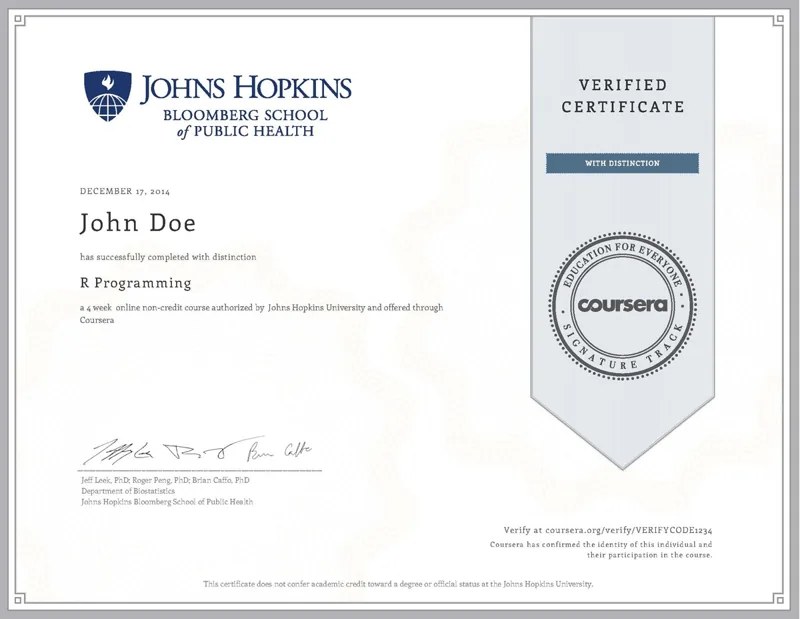
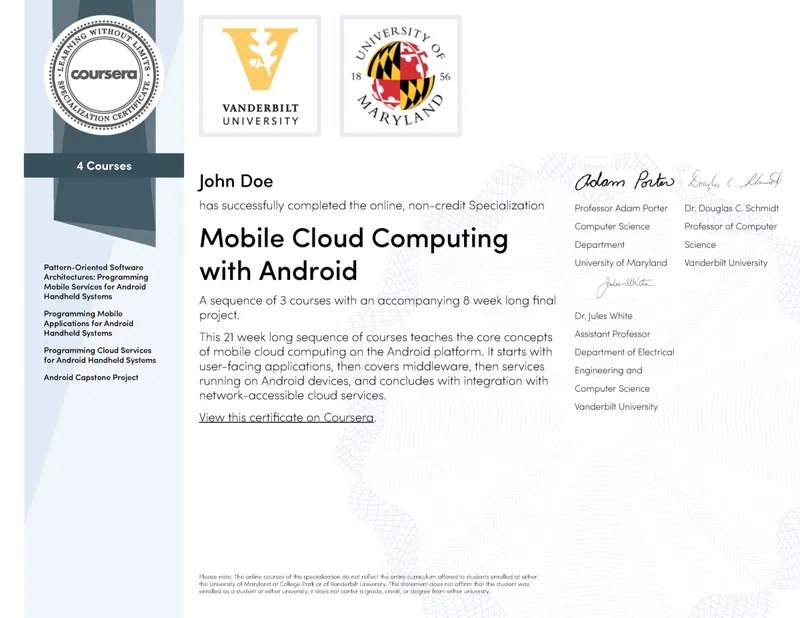
Sample certificates from our top providers. Yours shows your name, your course or program, and the partner that created it.
How it works
- Enroll and payPay once on the secure payment page, by debit or credit card (Visa or Mastercard).
- Activate your accessAccept the email invitation and start learning on Coursera. Your 6 months start then.
- Learn at your own paceVideos, readings and quizzes, on your phone or computer.
- Earn your certificatesOne for each course you finish, then the program certificate at the end. They are yours to keep.
Questions before you enroll
What happens when my 6 months end?
You keep your dashboard, your progress and every certificate you earned. Only your access to that program ends. To continue, renew access for another 6 months for $250.
Do I need experience to start?
Some background helps. This program expects you to know the basics of the field.
What language is it taught in?
English. Some programs also offer other languages you can choose from. Talk to our team to check the languages for this program.
Can I add the certificate to my CV?
Yes. Add it to your CV and share it on your LinkedIn profile.
Can I get a refund?
Yes, within 14 days of paying, if you have not activated your access yet. Read the refund policy.



Ready to start?
Enroll today, then begin whenever it suits you.